How Does IPTV Work? Following a Channel From Studio to Screen

IPTV works by turning a TV signal into compressed digital video, cutting it into short chunks, and sending those chunks over the internet to an app on your device, which reassembles and plays them in order. Live channels, catch-up and on-demand films all follow the same basic route; they just differ in when the chunks are made and how long they’re kept.
If you like knowing what’s going on behind the screen, here’s that journey in five stops.
Stop 1: The source
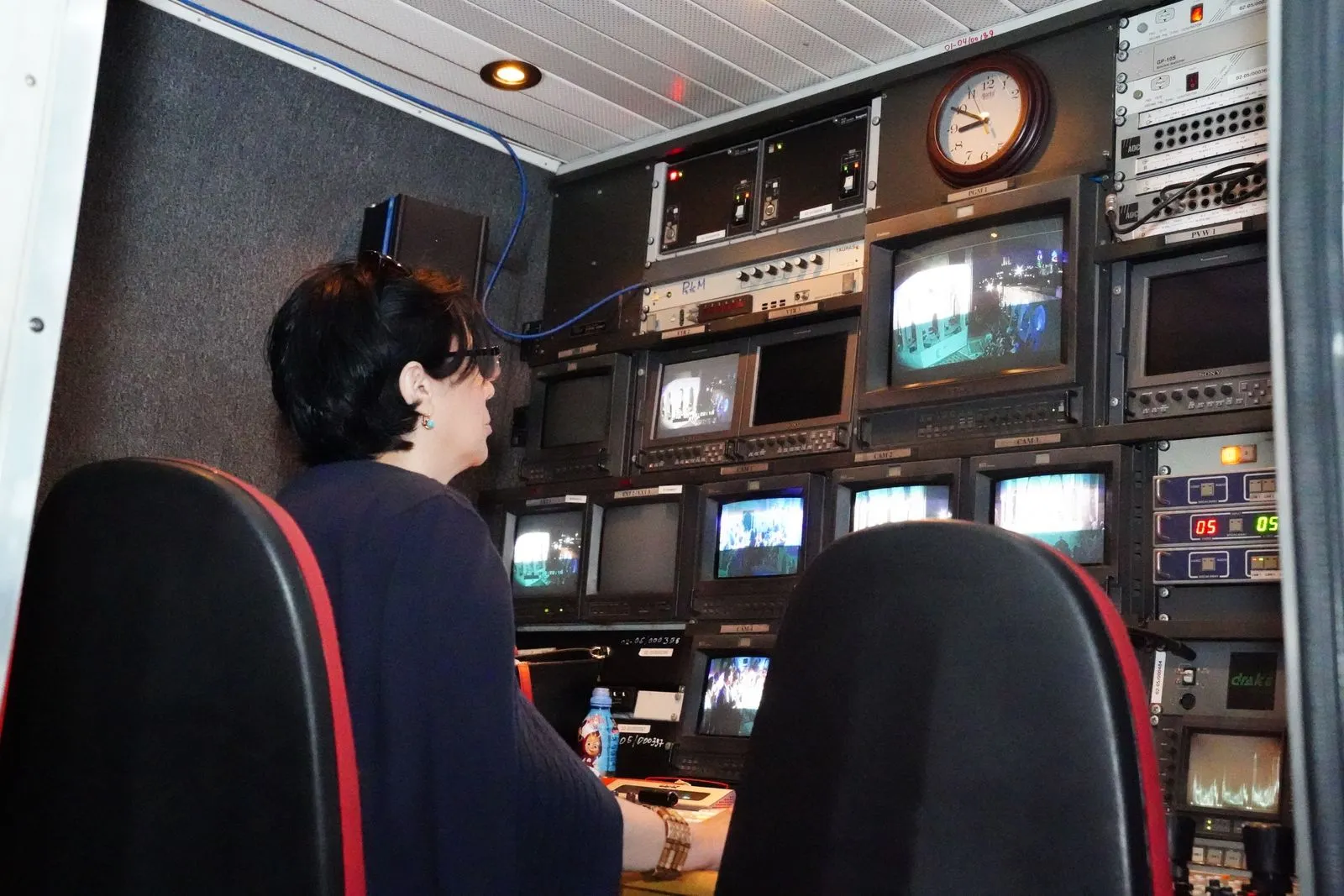
Every channel starts as a video feed, whether from a studio, an outside broadcast van at a stadium, or a playout centre that schedules programmes and adverts. At this point the feed is huge, far too big to send over home broadband.
Stop 2: Encoding
The feed goes through an encoder, a piece of hardware or software that compresses the video. It keeps what your eyes notice and throws away what they don’t, such as detail that barely changes from one frame to the next.
Two compression standards do most of the work today:
- H.264, also called AVC, which almost every device can play
- H.265, also called HEVC, which delivers similar quality at roughly half the data and is common for 4K
The encoder usually produces several versions of the same channel at different qualities, for example SD, HD and Full HD. That matters later.
Stop 3: Packaging into segments
Next, each version is chopped into small segments, typically a few seconds long. A short index file, often called a manifest or playlist, lists the segments in order. Formats such as HLS work this way.
Segmenting is what makes internet TV practical. Instead of one endless stream that breaks if a single packet goes missing, your app downloads small files one after another and can recover from hiccups.
Stop 4: Servers and delivery
The segments sit on streaming servers. Larger services spread copies across servers in different regions so the data has a shorter trip to reach you, which reduces delay and buffering.
There are two broad ways the data then travels.
Managed network IPTV
When your broadband company sells you a TV package, it often sends channels over its own network using a method called multicast. One stream goes out and the network copies it to every home watching that channel. Because the company controls the whole route, quality is very consistent.
Internet IPTV
Independent IPTV services send video over the open internet. Each viewer gets their own stream, known as unicast. It works on any connection and any compatible device, anywhere you are, but it shares the road with everything else on the internet.
Stop 5: Your home and your app
The data reaches your router, crosses your home network by cable or Wi-Fi, and lands on your TV, stick, phone or computer. Then the player app gets to work:
- It reads the manifest to see which segments exist.
- It measures how fast segments are arriving.
- It picks the quality version your connection can sustain. If your speed drops, it switches down to a lighter version rather than stopping. This is called adaptive bitrate streaming.
- It downloads a few segments ahead and keeps them in a buffer.
- It decodes the video and shows it on screen, matched with the audio and subtitles.
That buffer is why a channel takes a moment to start, and why live IPTV can run a little behind broadcast TV. If segments arrive slower than they’re played, the buffer runs dry and you see the spinning wheel. Our IPTV buffering checklist explains how to prevent that.
Where live, catch-up and on-demand differ
All three use the same pipeline. The difference is timing:
- Live TV: segments are made seconds before you watch them and discarded soon after.
- Catch-up: segments from recent days are kept on the server, so you can go back and play a programme from the start.
- On-demand: films and episodes are encoded once in advance and stored, ready to play whenever you choose.
The TV guide is separate data that travels alongside, matching channel names to programme times. More on that in our guide to EPG on IPTV.
What this means for you
Three practical takeaways come from all this. Your connection’s stability matters as much as its raw speed. A cable to the TV beats Wi-Fi. And the device’s ability to decode H.265 makes a real difference to 4K.
If you’d like to check how your own setup copes, have a look at what’s supported on the features page, then try a free test with Liptv on the TV you actually use.
Quick answers
Does IPTV use more data than normal streaming?
It uses similar amounts. Data use depends on picture quality: HD needs a few gigabytes per hour and 4K considerably more. If you have a capped broadband plan, keep an eye on usage.
Why is live IPTV a few seconds behind broadcast TV?
The signal is encoded, split into short segments and buffered by your app before it plays. Each step adds a little delay, so live IPTV often runs a few seconds to half a minute behind aerial or satellite.
What is the difference between operator IPTV and internet IPTV?
Telecom operators often send TV over their own managed network, so it doesn't compete with the open internet. Independent IPTV services send it over the public internet to any device, which is more flexible but more dependent on your connection.